VTube - How to Activate a Cloud Internet License
To activate a VTube license, download the software enter the installation password, and enter the License ID and Activation Password when promoted. The software can only be active on one computer at a time.
These steps require that the computer has an Internet connection.
Before moving your VTube to another computer, consider creating a backup of the current VTube configuration to transfer the setup to the other computer.
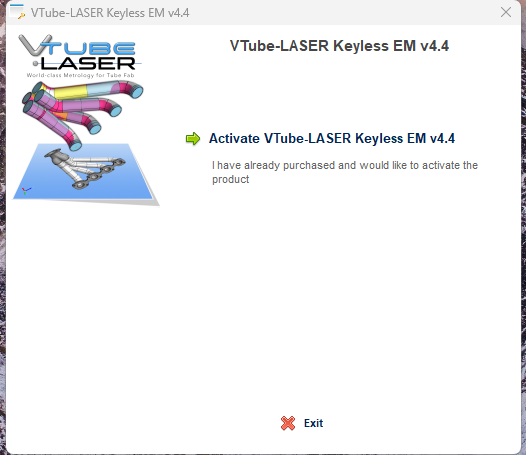
| Run the software and press "Activate VTube-ALSER Keyless..... | |
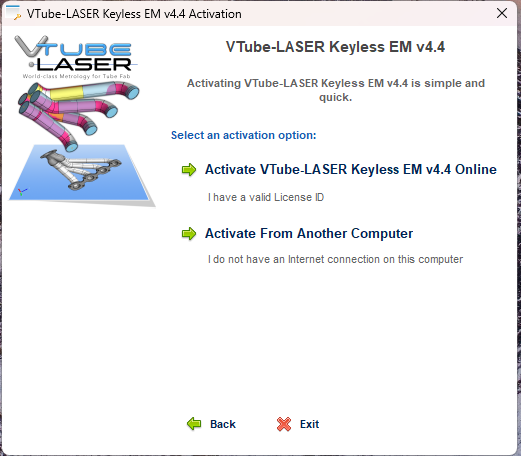
| Press "Activate VTube-LASER Keyless... Online Offline Steps Here |
|
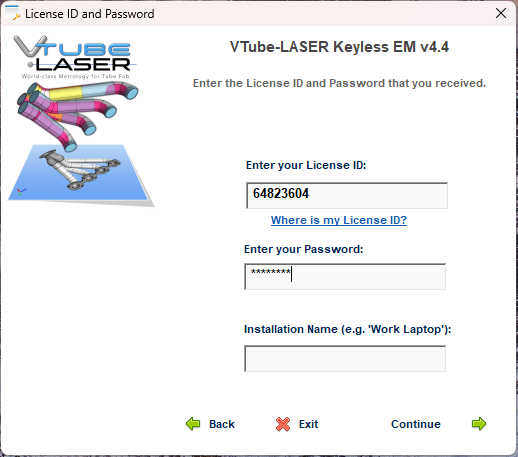
| Enter the License ID and Activation Password (provided by Advanced Tubular) The Installation Name is optional |
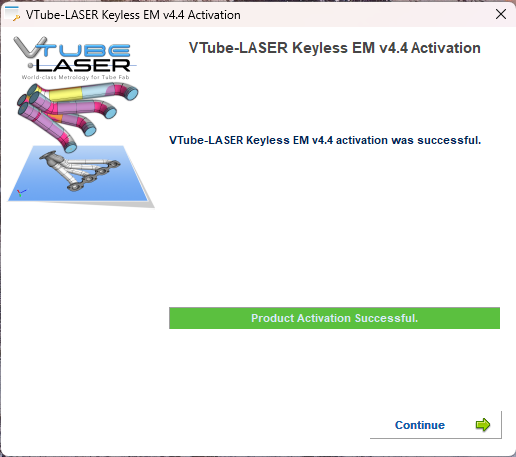
| If successful, you will see the green "Product Activation Successful" bar show up. You can now use the software. |